
One photo or two. Your vertical dance.
Hotline Bling AI Video Generator
Turn yourself or your pet into a Hotline Bling dance. Start with one photo; add a second for another character. 9:16 portrait is the default, with 16:9 available.
YOUR PHOTOS, IN MOTION
9:16 for TikTok and Reels. 16:9 when you need it.
One fixed dance, one or two identities. The default portrait canvas keeps the complete source picture with soft background fill. Landscape is optional.
SOURCE STORYBOARD
Color, cuts and costumes in this template
Ten sampled moments from the actual reference. The source costumes stay with their roles; a new outfit at every cut is not promised.
- Output format
- 9:16 default · 16:9 optional
- Video quality
- 480p / 720p / 1080p
- Photo roles
- One photo works. A second is optional.
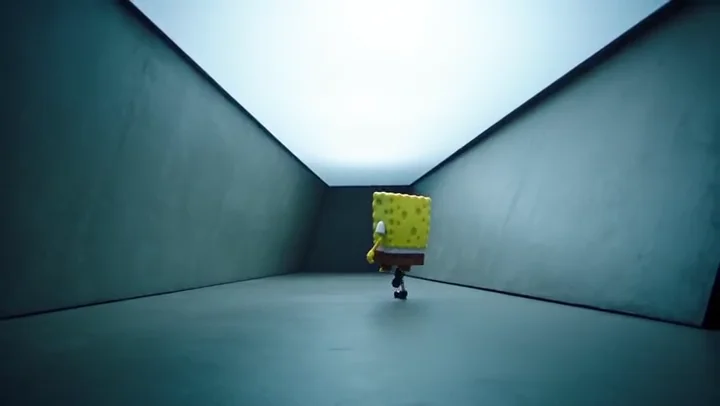
Opening walk and sway
Blue-grey room
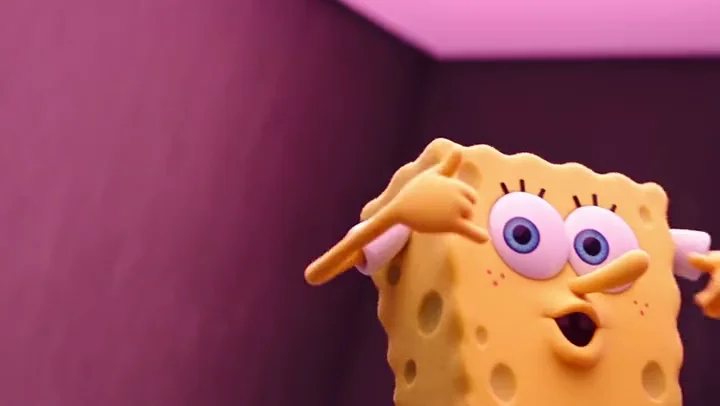
Raised arms and smile
Pink room
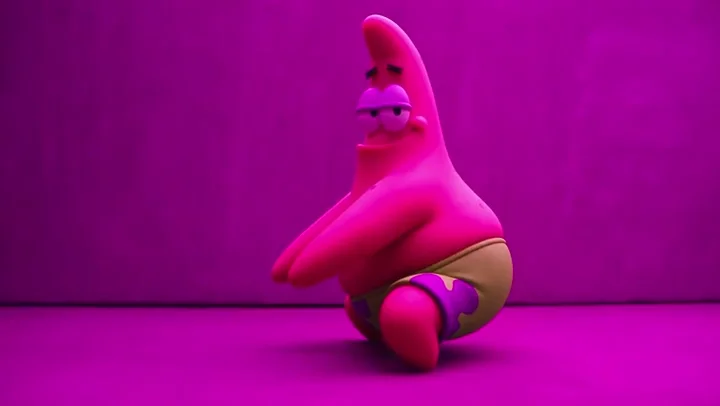
Hip and hand movement
Purple room
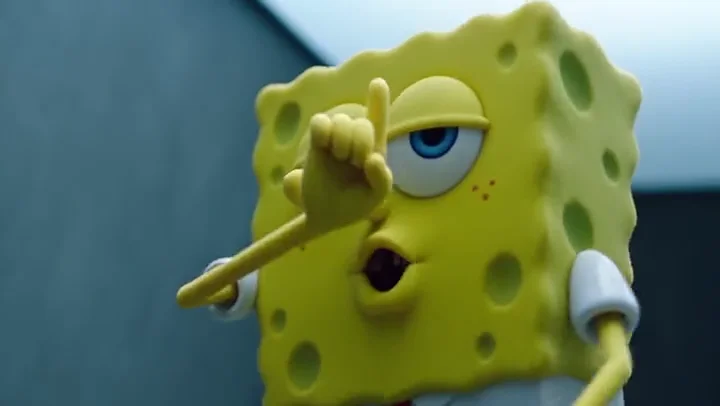
Close-up hand gestures
Blue-grey room
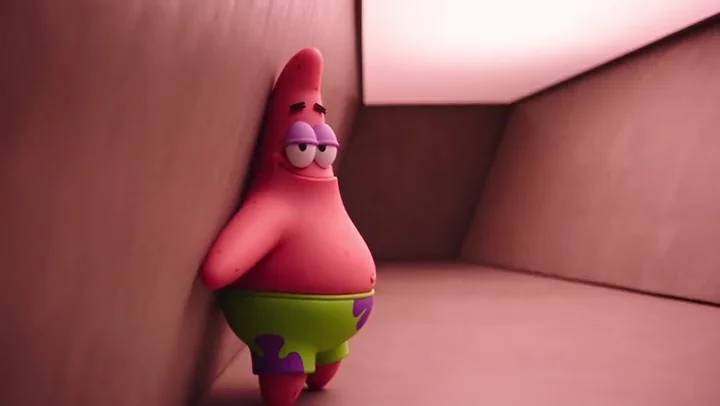
Leaning against the wall
Pink room
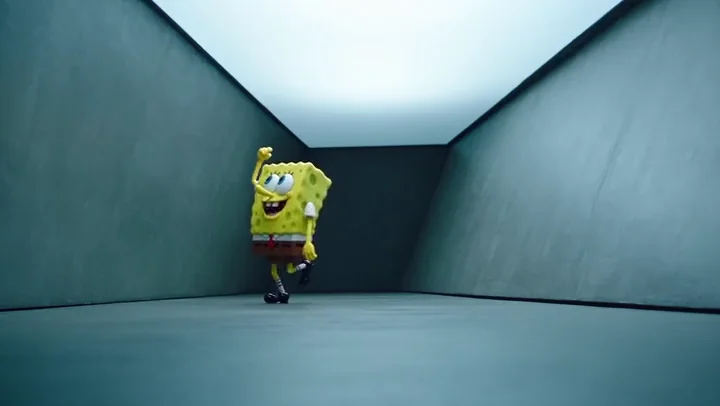
Wide-room dance
Blue-grey room
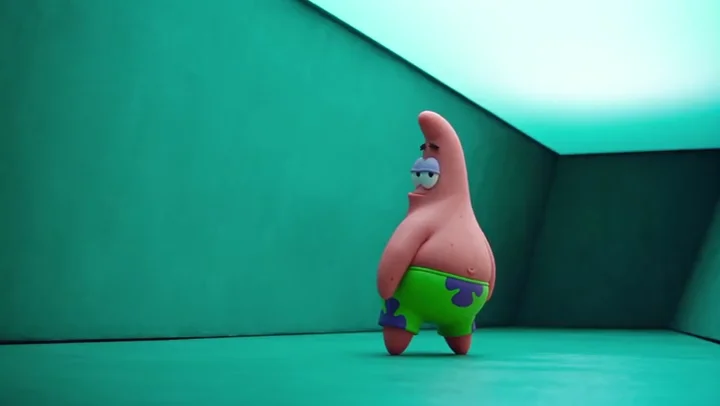
Sideways dance
Teal room
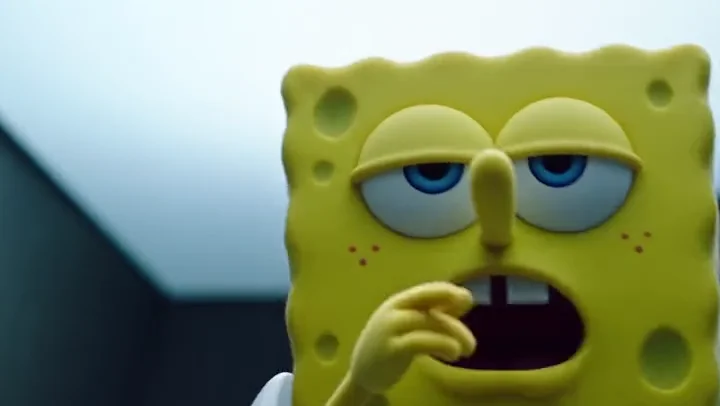
Face close-up
Blue-grey room
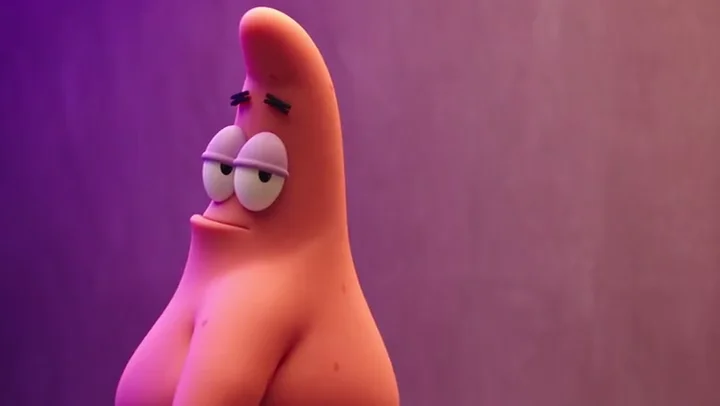
Face and shoulder turn
Pink room
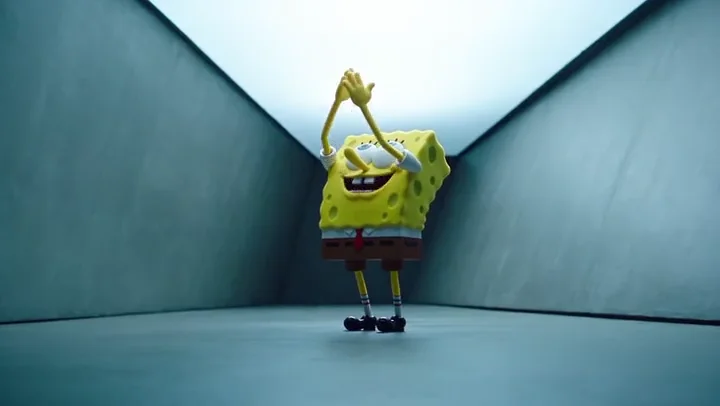
Final raised hands
Blue-grey room
| Time | Role | Room | Action | Output format |
|---|---|---|---|---|
| 0.7s | Dancer 1 | Blue-grey room | Opening walk and sway | 9:16 default · 16:9 optional |
| 3.9s | Dancer 1 | Pink room | Raised arms and smile | 9:16 default · 16:9 optional |
| 6.2s | Dancer 2 | Purple room | Hip and hand movement | 9:16 default · 16:9 optional |
| 7.8s | Dancer 1 | Blue-grey room | Close-up hand gestures | 9:16 default · 16:9 optional |
| 9.5s | Dancer 2 | Pink room | Leaning against the wall | 9:16 default · 16:9 optional |
| 10.9s | Dancer 1 | Blue-grey room | Wide-room dance | 9:16 default · 16:9 optional |
| 13.2s | Dancer 2 | Teal room | Sideways dance | 9:16 default · 16:9 optional |
| 14.8s | Dancer 1 | Blue-grey room | Face close-up | 9:16 default · 16:9 optional |
| 16.1s | Dancer 2 | Pink room | Face and shoulder turn | 9:16 default · 16:9 optional |
| 17.5s | Dancer 1 | Blue-grey room | Final raised hands | 9:16 default · 16:9 optional |
Source frames, not generated results. Each role keeps its source costume and colors; AI details may vary.
Download the vertical share card · 720 × 1280FROM PHOTO TO DANCE
How to make your Hotline Bling video
Add a person or pet photo
Photo 1 plays both roles by default. Add Photo 2 for a different person or pet in the pink role.
Preview and choose quality
Watch the reference with sound, then choose 480p, 720p or 1080p. The credit cost appears before you create.
Create, review and download
Track the task in My videos. Review identities, movement and audio, then download your private MP4.
BEFORE YOU UPLOAD
Which photos work best?
Use a clear photo of one adult or one pet. Keep the face, ears and distinctive features visible; avoid group shots, blur and strong filters. JPG, PNG or WebP, at least 300 × 300 pixels and up to 10 MB each.
One photo works. A second is optional.
Leave Photo 2 empty for one person or pet in both roles. Add a second individual photo for friends, a couple, two pets or a person-and-pet pair. Do not use group photos.
The dancers alternate across shots. The template does not place both people together in every scene.
One-time credits. Choose your next scene.
480p: 80 credits · 720p: 150 credits · 1080p: 300 credits · No subscription.
480p / 720p / 1080p: Seedance 2.5. Model details
From $6.99 for one 480p video. No subscription.
1080p uses 300 credits: a $29.99 Studio pack covers one video with 200 credits left. The lowest top-up from zero is $27.96 across four Starter packs (80 + 80 + 80 + 80), leaving 20 credits. Tax may apply.
Starter
80 credits
$6.99USD · once
- 480p
- $6.99 credit value per video
- 720p
- $13.11 credit value per videoRequires additional credits
- 1080p
- $26.21 credit value per videoRequires additional credits
- Preserve original audio
- Private video downloads
- Credits never expire
- Failed generations return credits
CreatorMORE CREDITS
200 credits
$14.99USD · once
- 480p
- $6.00 credit value per video
- 720p
- $11.24 credit value per video
- 1080p
- $22.49 credit value per videoRequires additional credits
- Preserve original audio
- Private video downloads
- Credits never expire
- Failed generations return credits
StudioBEST VALUE
500 credits
$29.99USD · once
- 480p
- $4.80 credit value per video
- 720p
- $9.00 credit value per video
- 1080p
- $17.99 credit value per video
- Preserve original audio
- Private video downloads
- Credits never expire
- Failed generations return credits
How many videos does each pack cover?
One-time packs start at $6.99 for 80 credits. Compare full videos at each quality below.
| Pack | 480p · 80 credits | 720p · 150 credits | 1080p · 300 credits |
|---|---|---|---|
| Starter · $6.99 | 1 video | Not enough for one video80 credits left | Not enough for one video80 credits left |
| Creator · $14.99 | 2 videos40 credits left | 1 video50 credits left | Not enough for one video200 credits left |
| Studio · $29.99 | 6 videos20 credits left | 3 videos50 credits left | 1 video200 credits left |
Per-video credit value = pack price × credits used ÷ pack credits. It is not a separate purchase price; unused credits stay in your balance.
One-time purchases. Tax, if applicable, is shown at checkout. Terms · Refunds
Before you make the dance
What is a Hotline Bling AI video?
It is a personalized dance edit inspired by Hotline Bling. Use one or two photos of adults or pets. The default output is 9:16 portrait; 16:9 landscape is optional.
Which photo replaces each character?
Photo 1 replaces the yellow character and also the pink character when Photo 2 is empty. Optional Photo 2 replaces only the pink character. The roles alternate across shots.
Does it look exactly like Drake’s video?
No. This is an AI edit of the displayed reference, not an exact copy of Drake’s official video or a face pasted onto it. Frames are regenerated, so likeness, movement and detail can vary.
Can I download the viral video?
This tool does not download other people’s social videos. Create your own edit with photos you have permission to use, then download your completed MP4 from My videos.
Does it keep the original audio and duration?
The model receives the full 18.04-second reference and its original soundtrack, with instructions to preserve timing, movement and audio. Review the finished video for synchronization; exact sound reproduction is not guaranteed.
Is this the 7-shot outfit change or Pt 2 template?
The available template is the one shown above. It has alternating dancers and colored rooms, with the source costumes preserved. A separate Pt 2 or seven-outfit template is not currently included.
How much does a video cost?
480p uses 80 credits, 720p uses 150, and 1080p uses 300. The $6.99 pack covers one 480p video. A $29.99 Studio pack covers one 1080p video with 200 credits left. No subscription.
Can I use one photo, a couple photo or a pet?
Yes. Upload one adult or pet photo to play both roles. Add Photo 2 for a different subject. Use individual photos for a couple or two pets; group photos are not supported.
What happens if generation fails?
A confirmed failed task returns its reserved credits once. If submission is uncertain, the existing request is checked without starting another paid task. Keep the task ID when contacting support.
Are my photos public?
Photos stay in your browser until you generate. Uploaded inputs and completed videos are private to your account. You can delete videos from My videos; the preview shown here is source footage, not a customer result.
A little context before you create
Understand the template, prepare your photos and choose the format that fits your idea.
How to Make a Hotline Bling AI Video
A practical guide to single-photo and pet dances, optional Photo 2, 9:16 portrait output, quality, cost and downloads.
Hotline Bling AI Video Templates
Preview the 18-second dance in default 9:16 portrait or optional 16:9. Compare roles, timestamps and formats in the shot table.
Hotline Bling Outfit Change: What This Template Does
Understand costume continuity, colored rooms and the limits of the current Hotline Bling AI outfit-change workflow.
Drake Hotline Bling AI Video: Dance, Reference and Limits
How a Hotline Bling-inspired AI dance edit relates to Drake’s video, and what the person or pet photo tool creates.
Hotline Bling Meme Generator: Make a Dance Video
Create a moving Hotline Bling-inspired meme with one or two person or pet photos. Learn about formats and costs before buying credits.
Best Hotline Bling AI Video Generators: A Practical Checklist
Compare Hotline Bling AI tools by visible templates, photo roles, sound, total credit cost and recovery behavior, without invented rankings.
One photo or two. Your vertical dance.
Start with the reference. Make the next dance your own.
Create video →